Published Last updated
Reputation management for a small business: what to buy
The four jobs inside reputation management, what each option takes off your plate, and the questions to ask before you pay.

Founder, ProveWorth
Key Takeaways
- 1Reputation management is four jobs: ask for reviews, reply to them, handle the bad ones and check what's working.
- 2You can do all four yourself with Google's free tools. Software mostly takes over the asking.
- 3Google says more reviews and positive ratings can help local ranking, gives no number, and says ranking can't be bought.
- 4Nobody can promise to remove a review, because only reviews that break Google's policies qualify.
- 5Ask any vendor to report requests sent, links clicked and reviews published as three separate numbers.
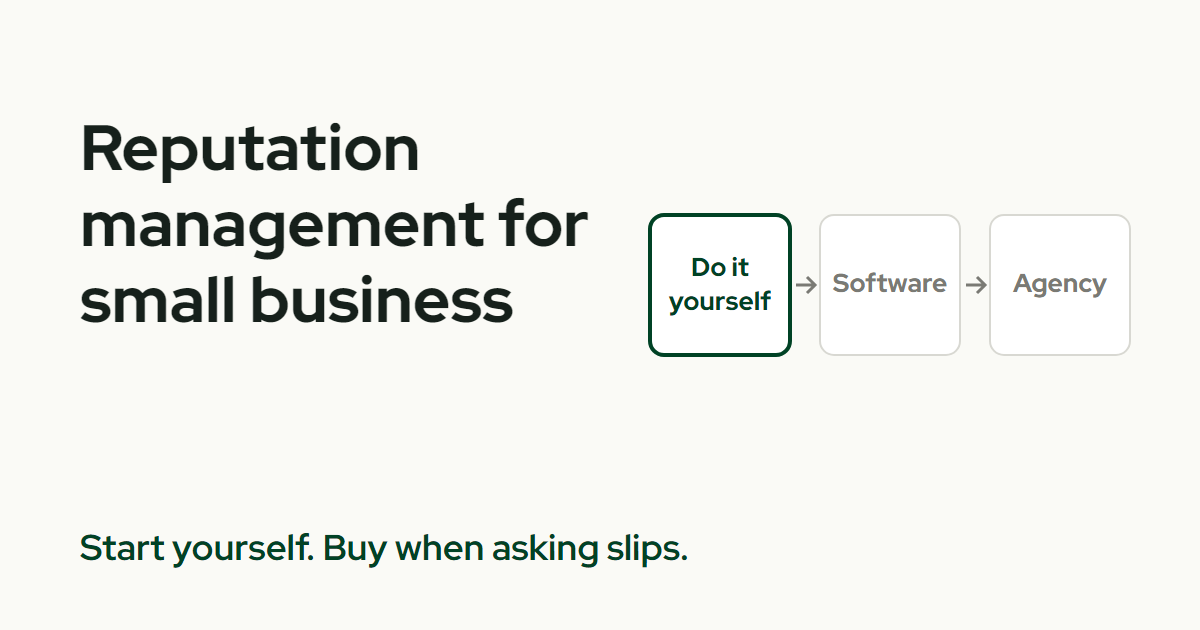
Reputation management for a small business is four jobs: ask for reviews, reply to them, handle the bad ones, and check what's working. You can do all four yourself for free. Software mostly takes over the asking, so pick based on which job you keep dropping.
This page covers each job, when software earns its fee, when an agency makes sense, and what to ask before you pay anyone.
What does reputation management actually involve?
Four jobs, and each has a Google tool or a page here.
- Ask. Send a neutral request to every customer you served. Start with your Google review link and QR code.
- Reply. Answer praise and complaints in public. How to reply to a Google review has examples.
- Handle the bad ones. Report what breaks a policy and answer the rest. Read how to remove a bad Google review.
- Check. Count what happened, in separate steps.
That last job is the easiest one to get wrong. A request sent, a link clicked, a review published and a customer won are four different events. A dashboard that rolls them into one number is telling you less than it seems.
Do reviews actually help my business?
Customers read them. In BrightLocal's survey of 1,002 US adults, 97% said they read online reviews for local businesses and 41% said they always do.
That is a vendor-published survey, and the answers are self-reported. It describes behavior. It doesn't prove a review campaign raises your sales, so measure your own calls and jobs.
On Google, local results are mainly based on relevance, distance, and popularity. Google says more reviews and positive ratings can help your local ranking. It publishes no review count, and it says there's no way to request or pay for a better local ranking.
Can I do it myself?
Yes, and it's where I'd start. Google's tools for all four jobs are free: the review link, replies from your Business Profile, the report form and the review list itself.
What you pay with is time. Pick one weekly slot, ask after each job, reply on the same day you check, and keep a note of what you reported and when.
The weak spot is the asking. It's the job that quietly stops when a crew gets busy, and it's the one software is built for.
When does software make sense?
When the asking keeps slipping, or when you have more customers than you can message by hand. Software can send the request after each job, add reminders, and collect the replies in one place.
It can't write the reviews, and it doesn't enforce Google's rules for you. The sender does. Before you buy, ask these six questions.
- Does everyone get the same request? Google's policy says merchants may not selectively solicit positive reviews. Tools that ask for a star rating first and send only high scores to Google run into that rule.
- What counts as a result? Ask for requests sent, links clicked and reviews published as three separate numbers.
- How are texts and emails handled? Email needs an opt-out honored within 10 business days under the FTC's CAN-SPAM guide. Text only people who agreed to hear from you.
- Who replies? Keep a person on anything that touches a complaint, a refund or a customer's private details.
- What do you pay? Ask for the flat monthly price in writing and whether messages cost extra.
- What happens if you cancel? Ask whether your reviews stay live and whether you keep them.
When would I hire an agency?
When you want someone else to own the whole loop, or when you have several locations to run. An agency can handle replies, report on results and keep the profile accurate.
Ask for a written scope that names who replies publicly, how often they report, and what they do about a bad review. Then check three things.
- Removal promises. No provider can promise removal. Only reviews that break Google's policies qualify.
- Review volume promises. A vendor's results are the vendor's numbers. Ask for the method behind them.
- Fake reviews. The FTC's rule bars creating, selling or buying fake reviews, AI-generated ones included, when the business knew or should have known. FTC warning letters cite civil penalties of up to $53,088 per violation.
If an offer sounds like a guaranteed five-star average, walk away.
Which option fits my business?
| Option | Best when | It costs | Watch for |
|---|---|---|---|
| Do it yourself | You get a handful of jobs a week and can check weekly | Your time | The asking quietly stopping |
| Software | Asking keeps slipping or the volume outgrows you | A monthly fee the vendor sets | Gating, messages billed extra, clicks counted as reviews |
| Agency | You want the whole loop run for you, or you have several locations | A fee set by the written scope | Removal or volume promises |
I'd start in the first row and move to the second once asking becomes the weak link. The third row is a bigger jump, so take it on purpose.
What do I do next?
Pick this week's job. If it's asking, set up your link and QR code. If it's the backlog, reply to your open reviews. For the rules behind a neutral request, read what review gating is and whether you can offer incentives. To see what automating the asking involves, read how to automate review requests. And if you're weighing a bad review, can you delete a Google review says who can do what.
If you'd rather hand off the asking, ProveWorth sends a review request by email after each job, with up to three reminders. You reply from your dashboard. Your page is free. You can get your free page, see the plans and prices, or read about the websites and how the requests work.
Sources
- Google Business Profile Help, improve your local ranking
- Google Business Profile Help, read and reply to reviews
- Google Business Profile Help, report and appeal a review
- Google Maps contribution policy, prohibited and restricted content
- BrightLocal, local consumer review survey
- FTC, consumer reviews and testimonials rule questions and answers
- FTC, final rule banning fake reviews and testimonials
- FTC, warning letters about the consumer review rule
- FTC, CAN-SPAM Act compliance guide for business

Founder, ProveWorth
Built ProveWorth - the trust layer for human communities. We surface real reviews from real members across hundreds of communities, so you can find the one that fits and join with confidence.
Frequently Asked Questions
What is reputation management for a small business?
It is four jobs: asking customers for honest reviews, replying to them, handling the bad ones, and checking what's working. You can do all four yourself.
Do I need reputation management software?
Not at first. Software helps when asking for reviews is the job you keep skipping. Replying and handling bad reviews still need you.
Can software or an agency get me more Google reviews?
They can send the requests. Customers decide whether to write a review. Google gives no review count that guarantees a ranking.
Can an agency remove a bad Google review?
Not on its own say-so. Only reviews that break Google's policies qualify, and no provider can promise removal. Be wary of anyone who does.
Is it legal to buy reviews to improve my reputation?
No. The FTC's rule bars buying or selling fake reviews, AI-generated ones included, when the business knew or should have known.
What should I ask before I pay for reputation management?
Ask whether everyone gets the same request and what counts as a result. Ask who replies, what you pay, and what happens to your reviews if you cancel.
ProveWorth
Reviews on your own page
Your business gets a free page and your customers write what goes on it. We read each review, publish it, and email you so you can reply.
Get your free pageSee the websites we buildRelated Guides
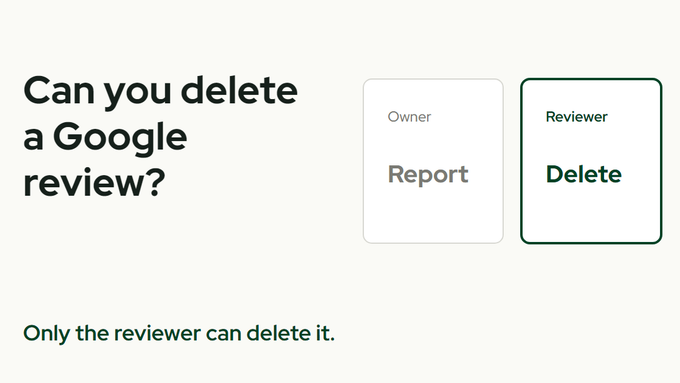
Can you delete a Google review?
Who can delete one, what you can report instead, and the one shortcut that gets a business in trouble.
How to make a Google review link and QR code
Where to find the link, why the QR code needs a computer, and three short requests that stay inside Google's rules.
How to track whether AI recommends your business
Ask three assistants the question your customer asks, once a month, and write down what they say. Tools come second.